
Run pay cycles with a clear record of every step
Payroll
Start new pay runs, then move between an overview, detailed transactions, and revenue context—with filters and exports so finance can see what happened in the period without leaving Human Resources.
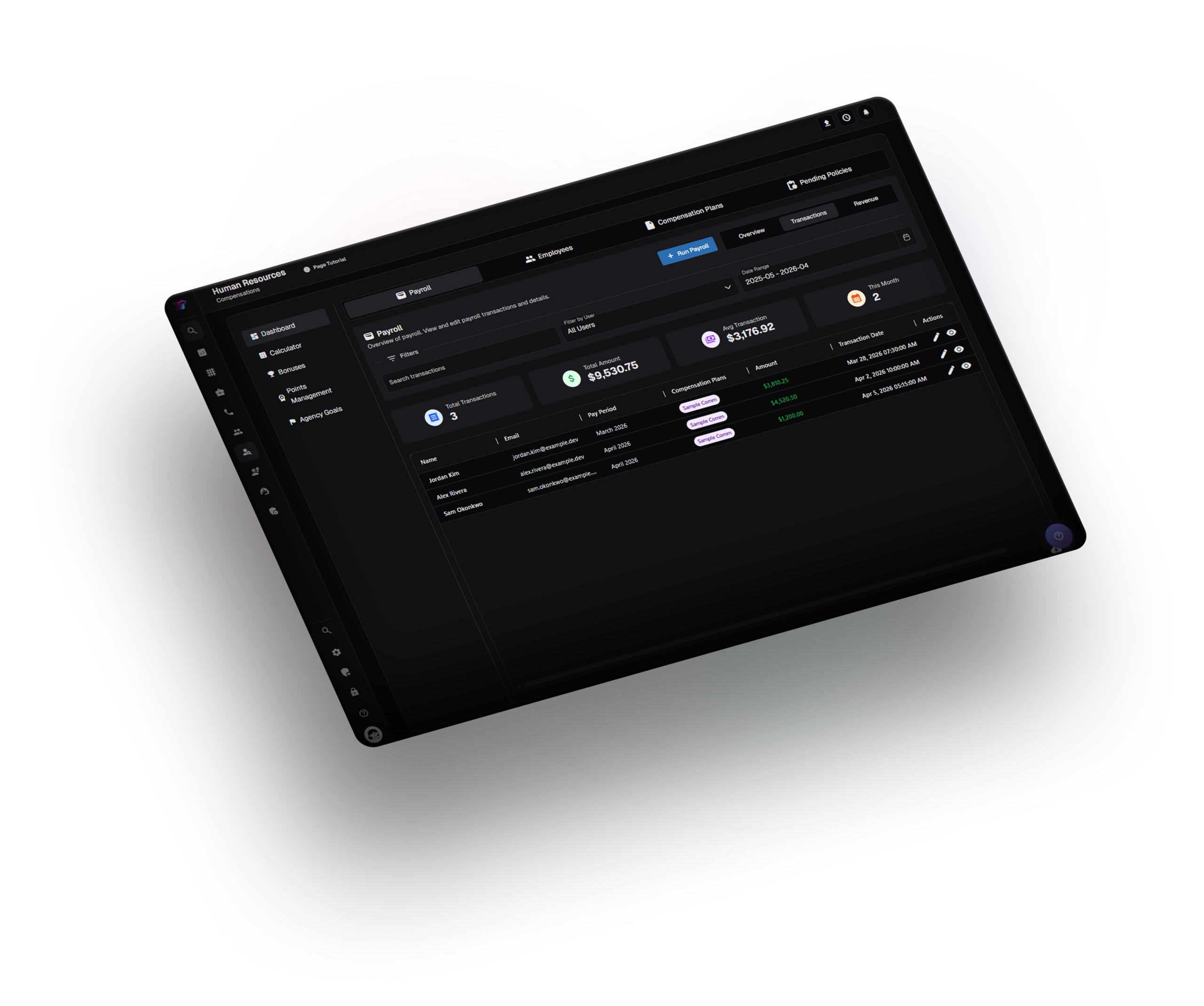
Transactions
The Transactions view is the working ledger: summary tiles (counts, totals, averages, period hints), a full grid of payroll rows, CSV export, and open row actions for review.
Revenue lens
A dedicated Revenue mode uses the same date range to show company-level money views, so payroll discussions stay aligned with results.
Run Payroll
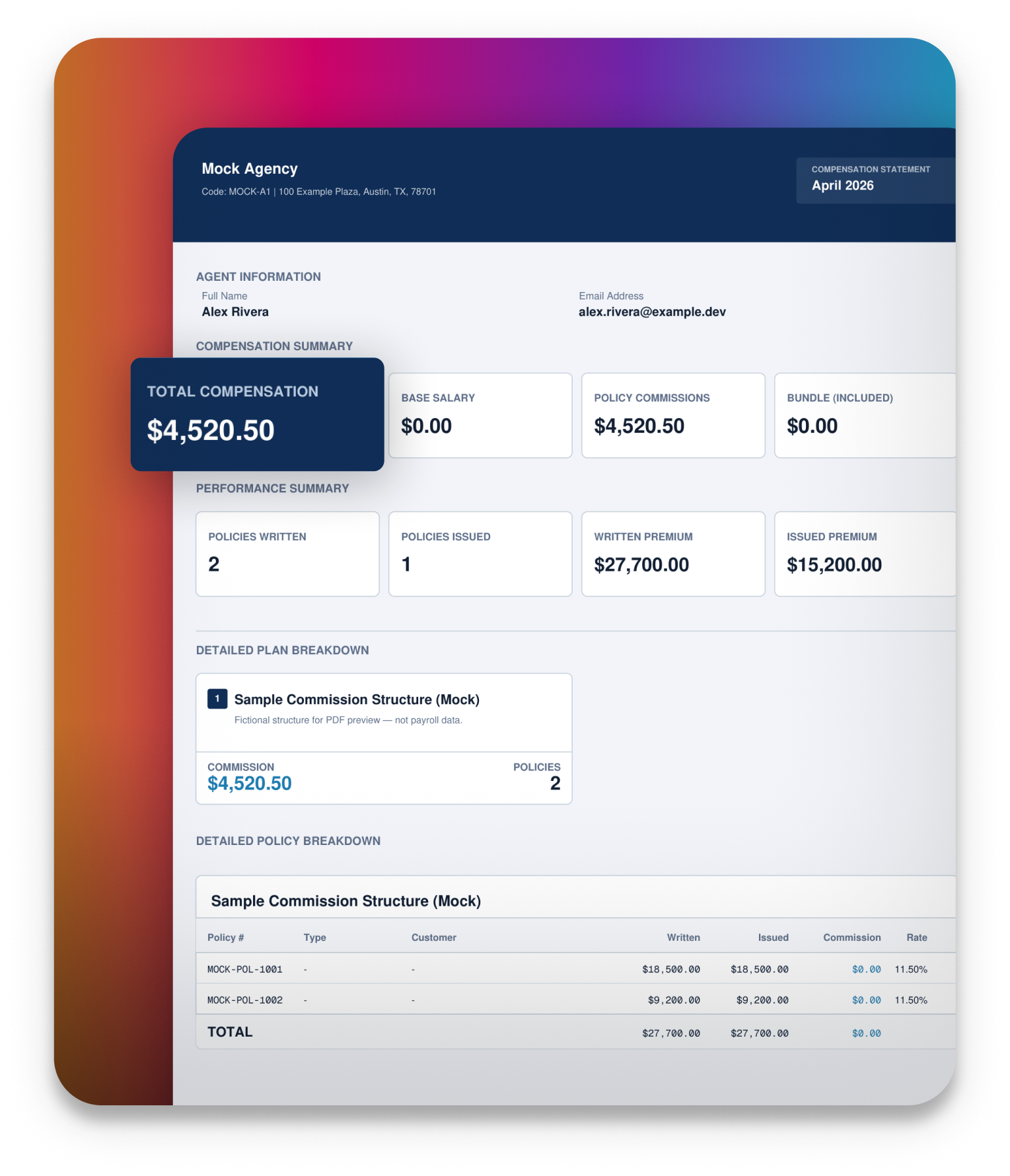
The main action starts a new pay run for the selected period and team. Where available, you can generate compensation statements as PDFs (for example, email them to agents) from the same run so payouts and documents stay in sync.