
Know who is on the clock
Clock In / Out
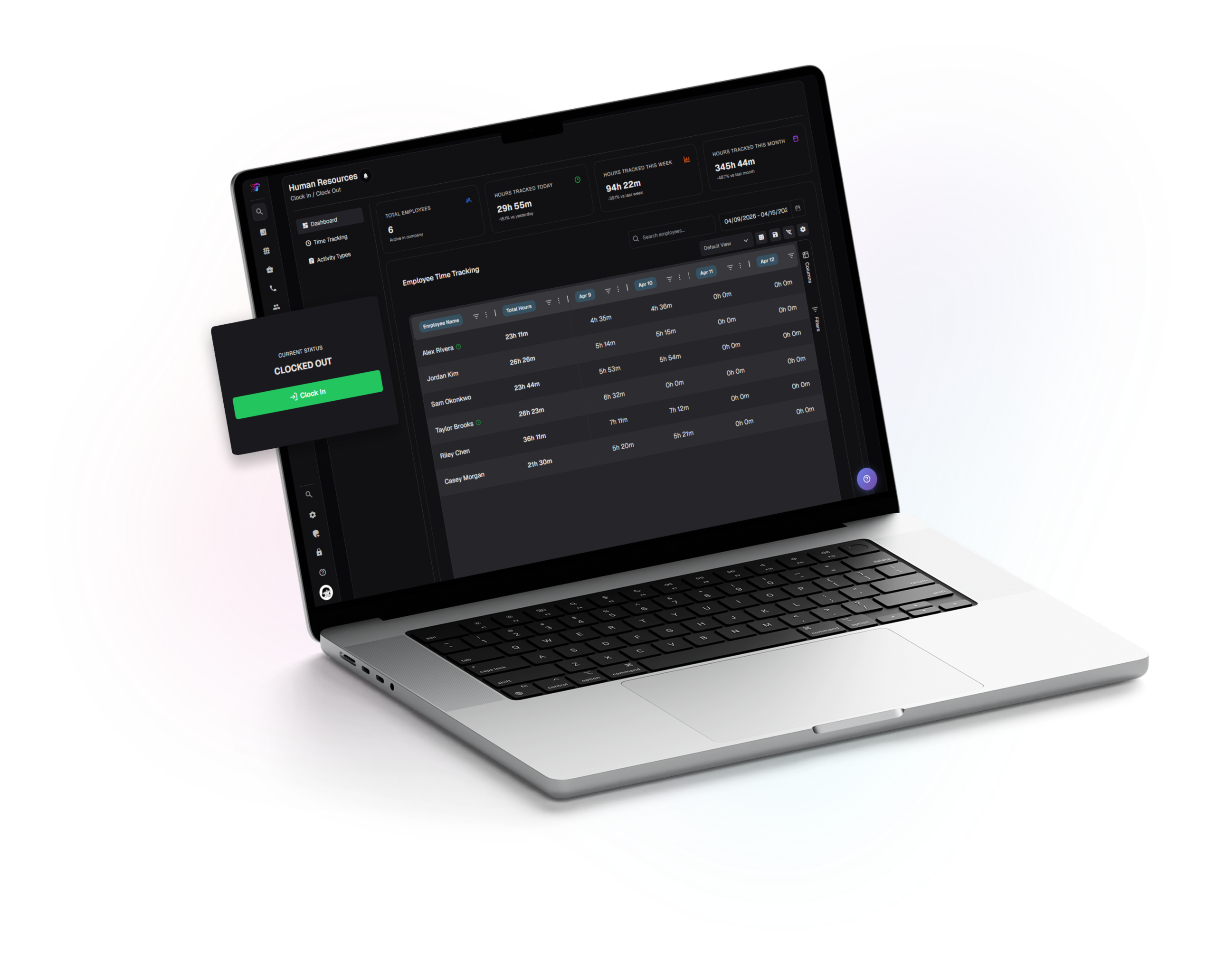
Human Resources hub for attendance: a dashboard for company-wide hours and status, a personal clock with session history, and activity types to keep work consistent while clocked in.
Agent time tracking
One-click clock in and clock out, a live session timer, optional activity tagging during an active session, and a dated log for edits and notes.
Operations dashboard
Summary tiles show headcount and hours for today, week, and month, with clear time context. A searchable employee time table and date range help admins review shifts quickly.
Plan, accrue, and approve time off
Paid Time Off
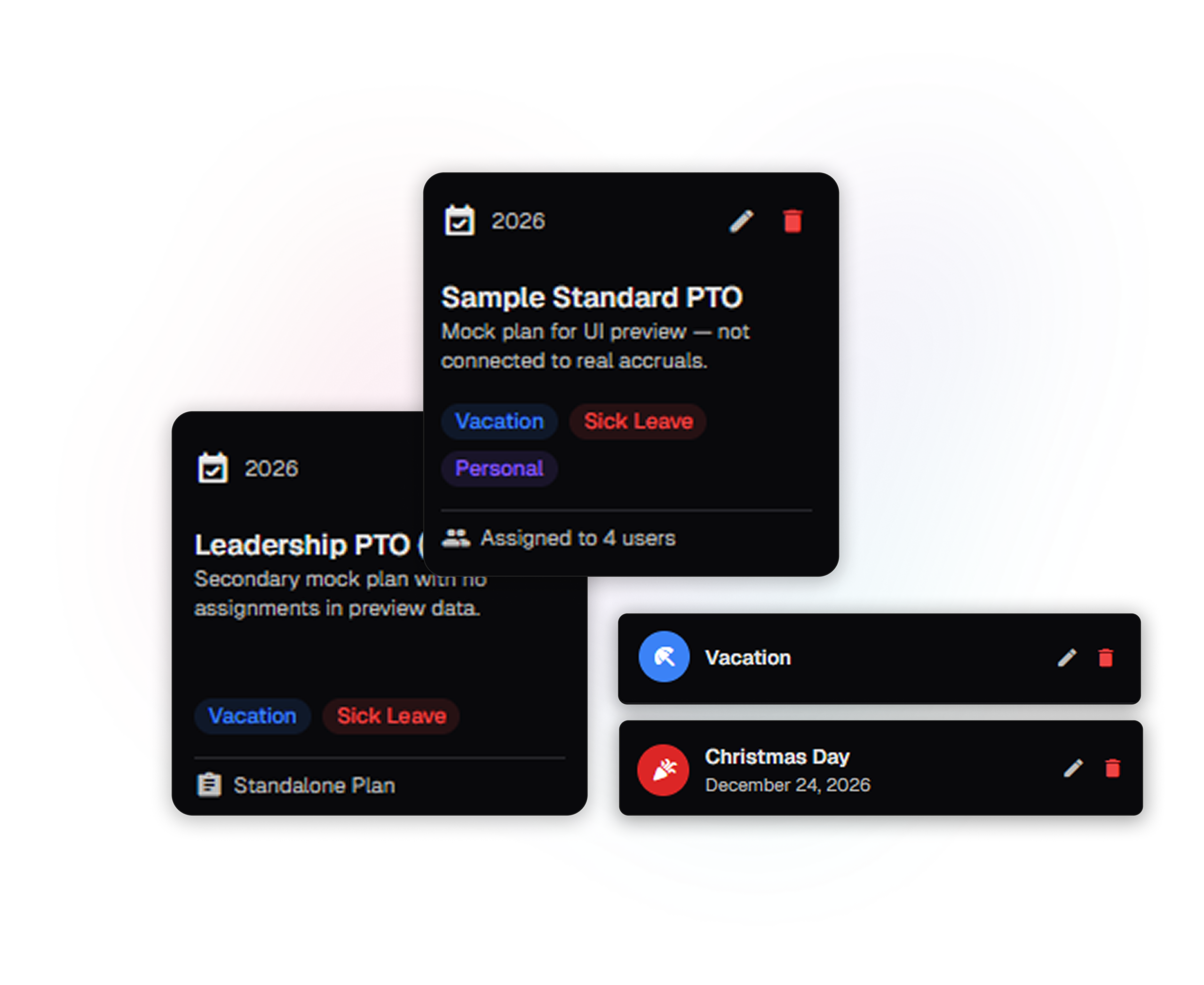
Manage paid time off in one place. A single set of tabs brings together company overview, policy setup, employee balances and plans, and time-off requests—so configuration and day-to-day approvals stay connected in the same workflow.
Time off management
Switch between PTO plans, types, and paid holidays to manage policies, assign groups, and keep time off balances and calendars aligned in one place.
Create and approve requests
Create and track time-off requests, filter by user, type, or status, and update or remove entries as plans change—keeping everything in one place.
Keep coaching and context next to the person
Agent Notes
Select a user, add a short title and message, and keep a timeline of notes for Human Resources and managers—edit or remove entries as needed, with “read more” for longer details.
User-scoped workspace
A searchable dropdown selects whose file you are viewing so notes never bleed across people.
Timeline format
Notes render on an alternating timeline with timestamps so history reads like a story.